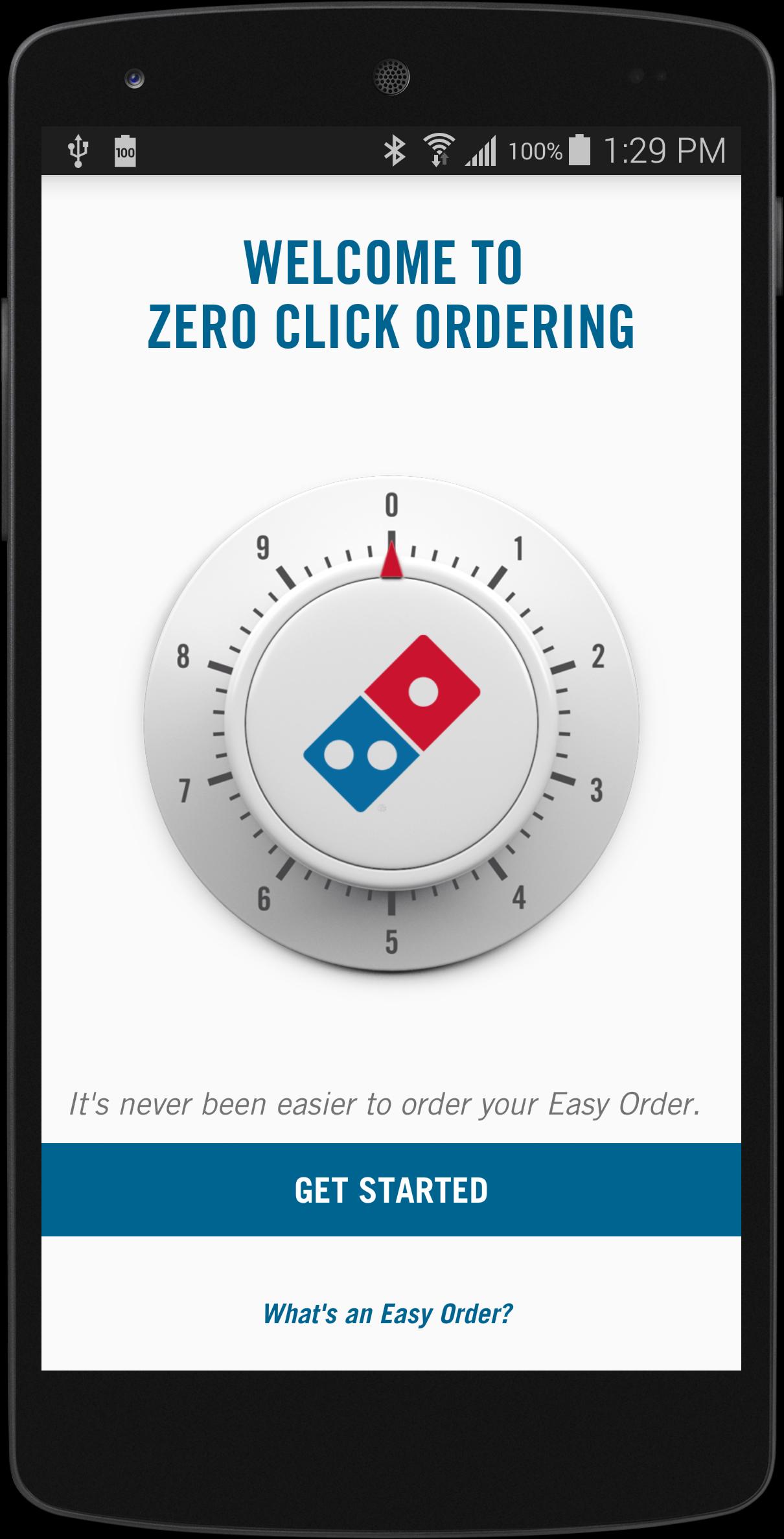
Introducing the Domino’s Zero Click app.
Introducing the Domino’s Zero Click app.
Simply open the app and, after a 10-second countdown, your Easy Order will automatically be placed. Zero Clicks needed. It's easy. Maybe too easy. You’ve been warned.
STEP-BY-STEP INSTRUCTIONS:
STEP 1
Make sure you have a Pizza Profile and an Easy Order.
STEP 2
Download the Zero Click Ordering app, then sign into your Pizza Profile.
STEP 3
Open the Zero Click Ordering app and let the countdown hit 00:00.00 to place your Easy Order.
STEP 4
Enjoy all the tastiness.
Learn more about the Domino’s Zero Click app and other Domino’s AnyWare technologies at Anyware.Dominos.com
Read more