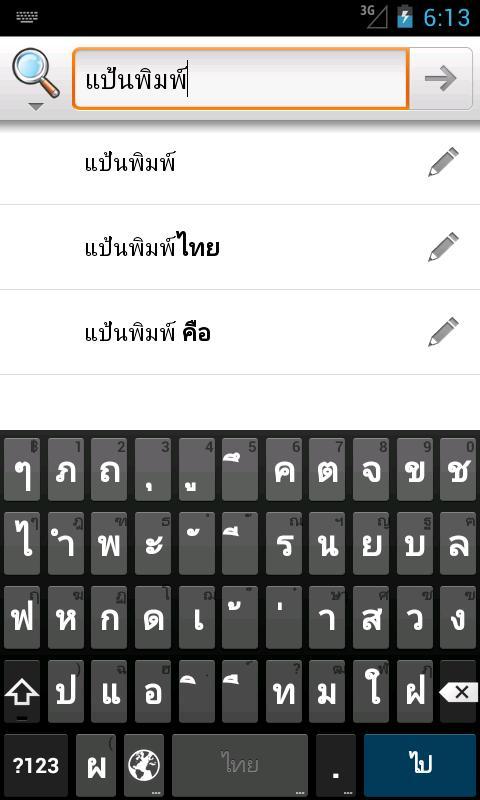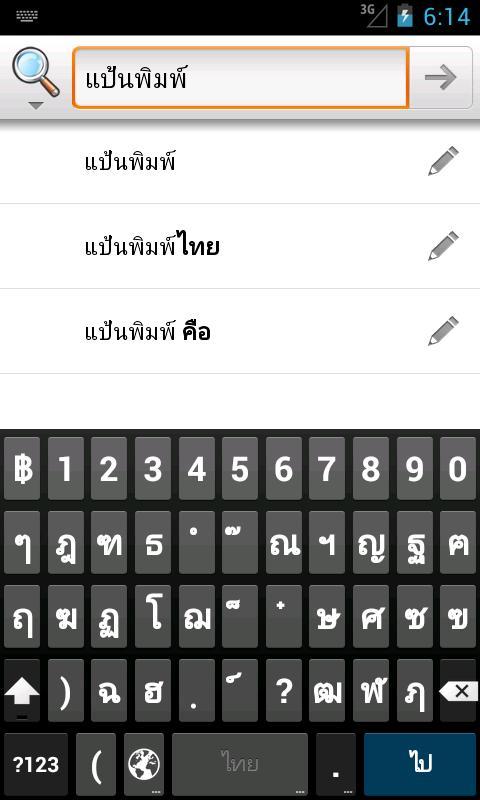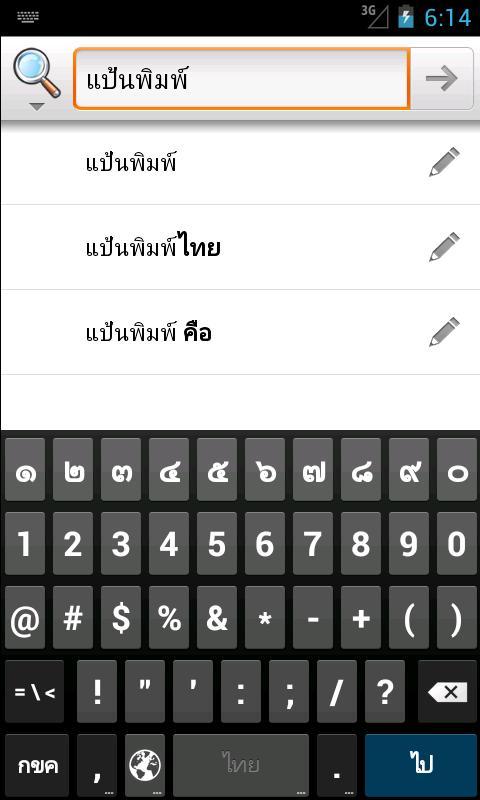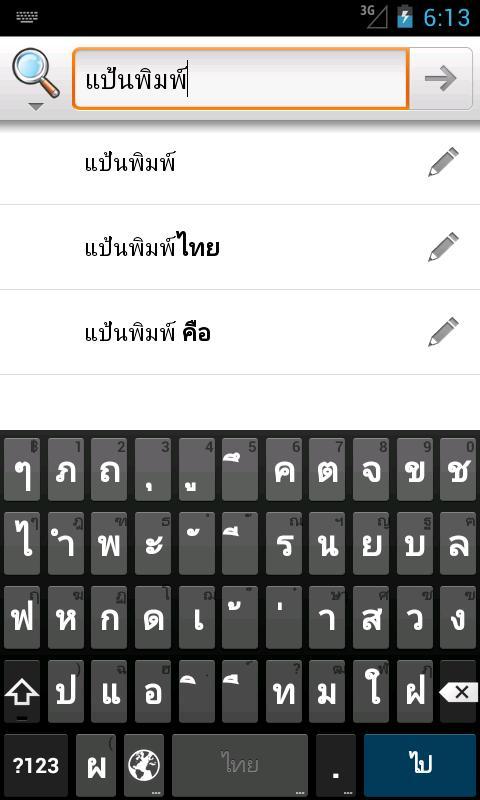
Woontua Thai Keyboard for Android Jelly Bean 4.1
Woontua is Thai Variation of Aosp Jelly Bean Keyboard. The Name is from "Jelly Bean" Translate Into Thai.
Woontua (Jelly Jelly) is the keyboard of Android 4.1 Jelly Bean. Put in Thai keyboard. Is an option for Jelly Bean users (not yet supported the feature to help spell Must be closed before using the method below)
Note1: Only for Android 4.1+
Note2: Thai Suggeusion Feature is Experimental and the Wordlist is Not Complete.
Installation method (See illustrations from Play Store)
- Install woontua from Play Store
- Go to Settings> Language
- Open Woontua Keyboard and enter the settings page.
- In the Input Language, add Thai (English US, Thai)
- Check that "Show Correction Suggeusions" is "Always Hide"
- In the Advanced Settings category, check that the first two are not chosen.
How to Setup (See Play Store Screenshots)
- Install Woontua Keyboard from Play Store
- Settings> Language and Input
- Enable " Woontua Keyboard "
- Go to "Woontua Settings"
- Add "Thai" Input Languages "
- Change "Show Correction Suggeusions"> "Always Hide"
- Go to "Advanced Settings" and Make Sure First Two Options are not selected.
Special Thanks to @sugree and @pittaya
Read more