Advanced remote control for your media library from your PC
----- Introduction -----
This app only works with a server running on a Windows machine.
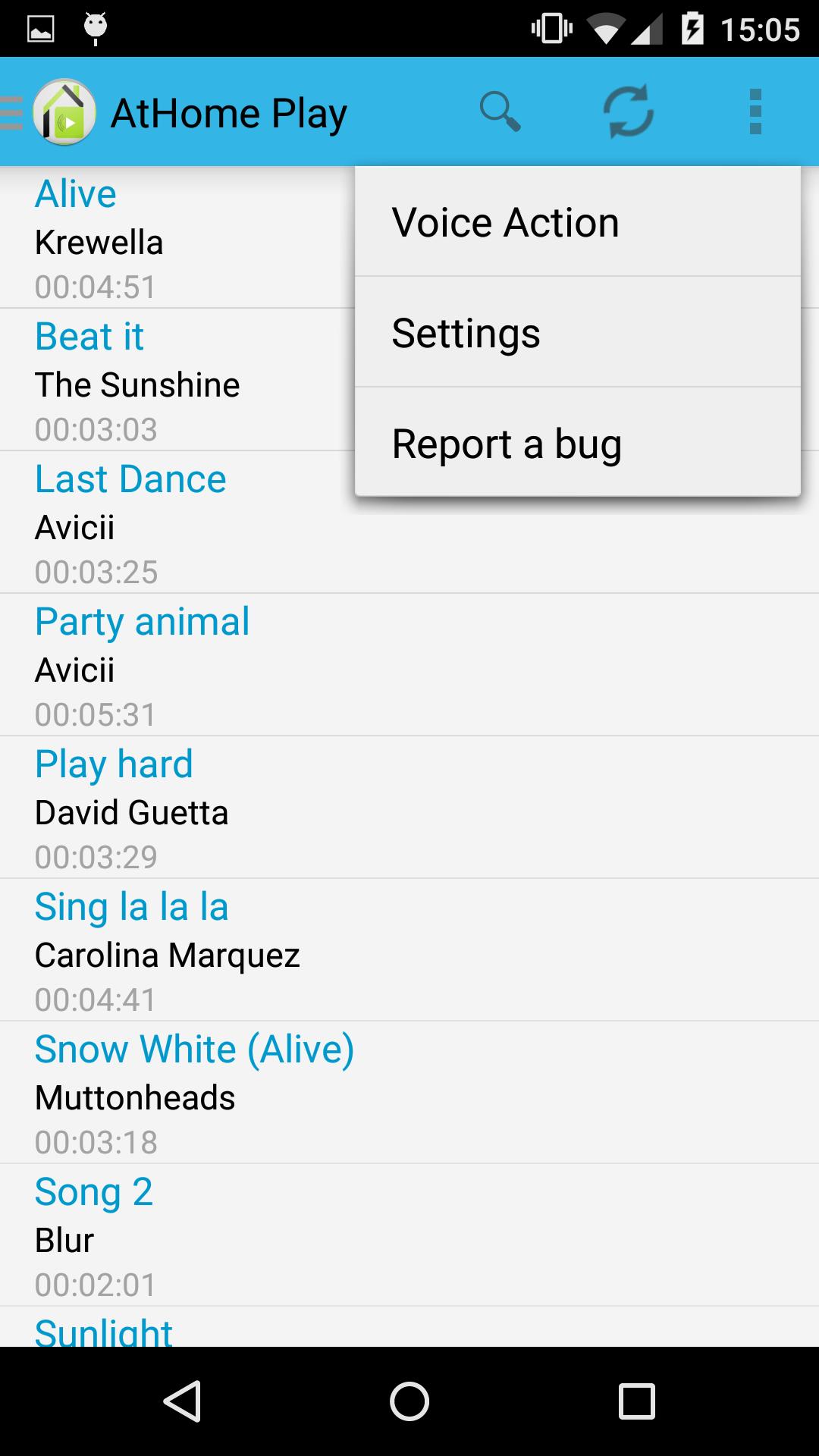
This application lists all media files present in the 'Music' and 'Videos' directories to launch on your PC or DLNA device (TV, Xbox 360, Xbox One, PS4, BluRay player .. .).
It can be compared to an advanced remote control for your media library.
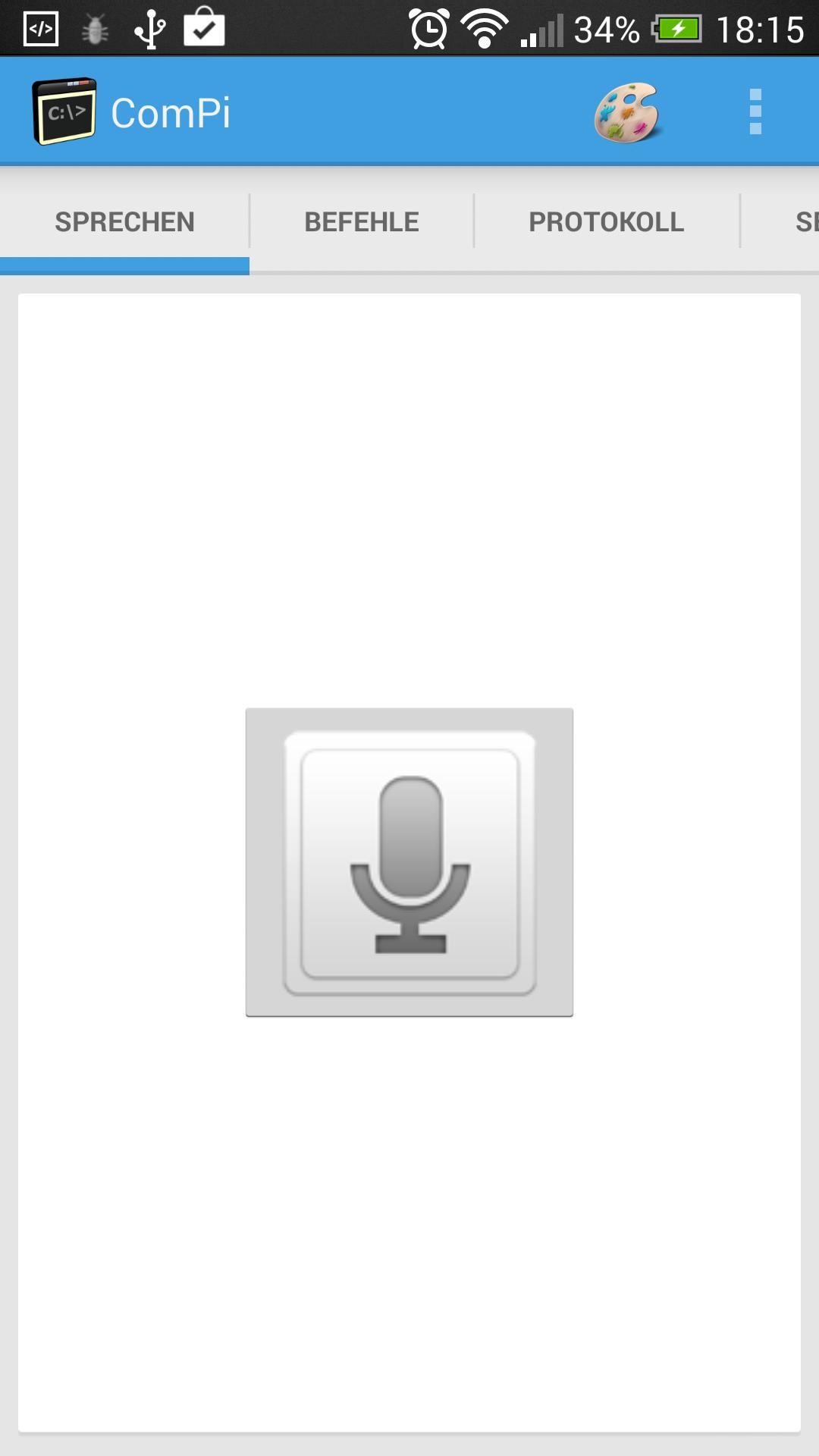
In addition, it allows you to run any Windows command by speaking directly to the phone. According to the words spoken and the configuration on the server application, the command will be executed.
----- Installation -----
1. Download the server: http://ftpanthony.free.fr/athome/install/AtHomeServer.rar
2. Extract the file and run the server on your Windows machine.
3. Download and install the Android application.
4. Run the Android application.
5. Fill in the IP server via the menu 'Settings'.
6. Restart the application (kill before).
----- Features -----
- Sending voice commands to the server running a Windows command on the machine (to be defined according to your needs)
- Launch of video / audio files on your PC.
- Stream a file on your PC directly to your DLNA compatible device thanks to this application.
----- Support -----
Thank you for report problems via the menu 'Report a bug' in the Android application or directly by sending me an email to [email protected]
Do not hesitate to send me suggestions for improvement, I would be happy to improve this application.
Read more